 NLJUG – Nederlandse Java User Group NLJUG – de Nederlandse Java User Group – is opgericht in 2003. De NLJUG verenigt software ontwikkelaars, architecten, ICT managers, studenten, new media developers en haar businesspartners met algemene interesse in alle aspecten van Java Technology.
Author: Igor De Souza
Original post on Foojay: Read More
Table of Contents
- 1. Garbage Collection Is Not What It Used to Be
- 2. Threads Got Lighter (Much Lighter)
- 3. Java Objects Are Literally Getting Smaller
- 4. The JVM Learned to Share (CDS)
- 5. Java Finally Understands Containers
- 6. Project Valhalla (Value Classes & Objects) – Coming Soon
- 7. Optional: Going Even Leaner with Native Images
- 7. Others
- Real Examples: Where Memory Actually Goes
- Benchmark Snapshot
- So… Does Java Use Too Much Memory?
- Final Thoughts
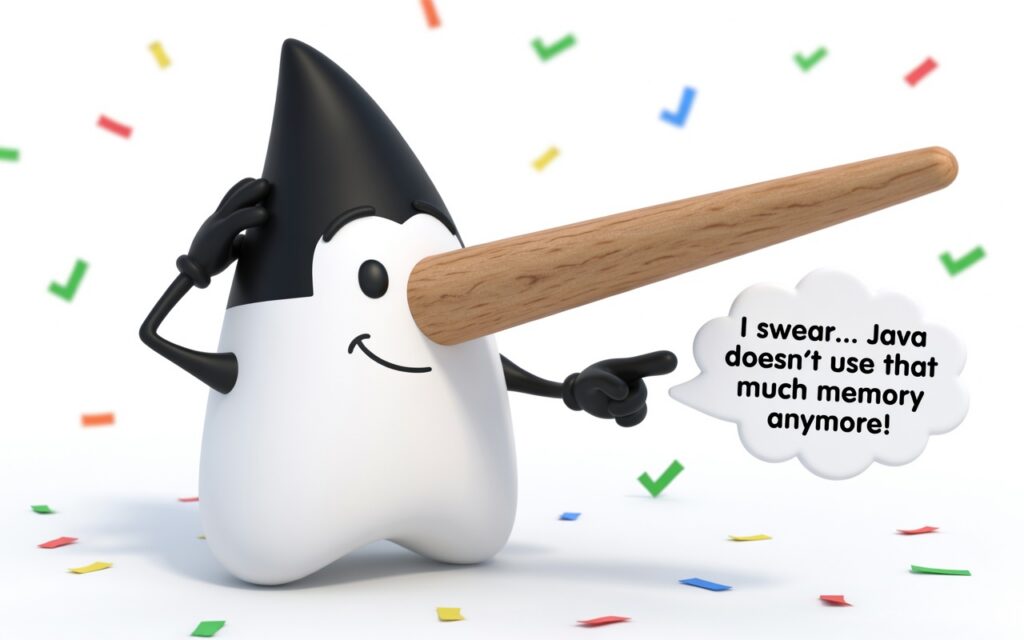
Breaking news: Java has been confirmed to consume all available RAM. Developers worldwide shocked.
… okay, not really. Happy April 1st.
It’s only fair to bring in the biggest liar in history to help us talk about one of the oldest myths in the Java world.
Meet Pinocchio Duke, the official Java mascot who swears up and down that “Java doesn’t use that much memory anymore!”
But every time he says it… his nose grows a little longer.
For years, “Java uses too much memory” has been one of the most repeated claims in software engineering. It’s often said with confidence, rarely with evidence, and almost always based on outdated assumptions.
So let’s do something different:
Let’s look at what modern Java actually does — backed by real improvements in the platform and the JEPs that introduced them.
The reputation didn’t come out of nowhere.
Early versions of the JVM had:
- Less sophisticated garbage collectors
- Longer pause times
- Higher default memory overhead
- Limited awareness of constrained environments
Combine that with poorly tuned applications, and Java did look memory-hungry compared to lower-level languages like C or C++.
But that was then.
Disclaimer: No wooden noses were harmed in the writing of this article. (But Duke’s might have grown a few centimeters while we were testing -Xmx flags.)

Image 01: Pinocchio Duke on April 1st: “I swear… Java doesn’t use that much memory anymore!
Modern Java: What Actually Changed?
These are the JEPs that are finally helping Duke keep his nose under control
1. Garbage Collection Is Not What It Used to Be
Modern garbage collectors are designed for low latency and efficient memory usage.
- ZGC (JEP 333, JEP 377)
- Shenandoah (JEP 189)
- G1 as default (JEP 248)
These collectors:
- Perform most work concurrently
- Avoid long “stop-the-world” pauses
- Scale efficiently with large heaps
Key takeaway:
Java doesn’t freeze your application anymore — it cleans memory while your app keeps running.
Modern Java doesn’t “stop the world.” It barely pauses.
2. Threads Got Lighter (Much Lighter)
One of the biggest hidden memory costs in Java used to be threads.
Traditional threads:
- Require significant stack memory
- Don’t scale well into the thousands
Enter Project Loom (JEP 444):
- Introduces virtual threads
- Extremely lightweight compared to OS threads
- Allows thousands (or millions) of concurrent tasks
Why this matters for memory:
- Less per-thread overhead
- More efficient concurrency
- Lower overall memory footprint in real systems
Thousands of threads no longer mean gigabytes of memory.
3. Java Objects Are Literally Getting Smaller
Yes, this is real.
JEP 450 – Compact Object Headers introduces:
- Reduced object header size
- Lower per-object memory overhead
This directly impacts:
- Large collections
- Data-heavy applications
- High-throughput systems
Java objects are not just managed better — they’re physically smaller.
4. The JVM Learned to Share (CDS)
Class Data Sharing:
- JEP 310 (Application CDS)
- JEP 350 (Dynamic CDS Archives)
Instead of duplicating class metadata across JVM instances:
- It can now be shared
- Reducing total memory usage across services
This is especially useful in:
- Microservices architectures
- Containerized environments
5. Java Finally Understands Containers
There was a time when Java inside a container behaved… badly.
It assumed:
- It had access to the full machine
- Not just the container limits
That led to:
- Over-allocation
- OOM errors
- The myth that “Java uses everything”
Today:
- JVM is container-aware
- Respects memory and CPU limits
- Tunes itself accordingly
Java used to think it owned the machine. Now it behaves like a good citizen.
6. Project Valhalla (Value Classes & Objects) – Coming Soon
Still in preview/early access, but progressing steadily. Value objects eliminate identity and can be stored flattened (no pointer overhead). This will be a game-changer for memory density — especially for collections, records, and data-oriented programming. Expect the first preview features to land in a future JDK (possibly 27 or 28).
7. Optional: Going Even Leaner with Native Images
With GraalVM, you can compile Java into native binaries:
- Faster startup
- Lower memory footprint (in many cases)
It’s not a silver bullet, but it proves an important point:
Java is not tied to one runtime model anymore.
7. Others
Project Panama (Foreign Function & Memory API) — Safer, faster off-heap memory access without the old JNI tax. Leyden & AOT improvements — Better ahead-of-time caching and warmup reduction.
If you apply these tips, Duke’s nose might actually stop growing.
Real Examples: Where Memory Actually Goes
Let’s move from theory to something concrete.
Example 1
❌ A Classic Memory Problem (Unbounded Cache)
public class BadCache {
    private static final Map cache = new HashMap();

    public static String get(String key) {
        return cache.computeIfAbsent(key, k -> loadValue(k));
    }

    private static String loadValue(String key) {
        return "value-" + key;
    }
}
Problem:
- Cache grows forever
- No eviction policy
- Memory usage keeps increasing
👉 This has nothing to do with Java itself.
✅ Fix: Use a Bounded Cache
import com.github.benmanes.caffeine.cache.Cache;
import com.github.benmanes.caffeine.cache.Caffeine;

public class GoodCache {
    private static final Cache cache =
        Caffeine.newBuilder()
                .maximumSize(10_000)
                .build();

    public static String get(String key) {
        return cache.get(key, k -> "value-" + k);
    }
}
Result:
- Controlled memory usage
- Predictable footprint
Same language. Same JVM. Completely different outcome.
Example 2 Threads vs Virtual Threads
❌ Traditional Threads
for (int i = 0; i  {
        try {
            Thread.sleep(1000);
        } catch (InterruptedException ignored) {}
    }).start();
}
Problem:
- Each thread ≈ ~1MB stack (default)
- 10,000 threads ≈ ~10GB memory needed ❌
✅ Virtual Threads (JEP 444)
for (int i = 0; i  {
        try {
            Thread.sleep(1000);
        } catch (InterruptedException ignored) {}
    });
}
Result:
- Memory per thread: tiny (KBs instead of MBs)
- 10,000 threads → runs comfortably
This is one of the biggest silent memory wins in modern Java.
Example 3 Object Overhead (Before vs After)
Let’s simulate a lot of small objects:
class Point {
    int x, y;
}

public class MemoryTest {
    public static void main(String[] args) {
        List points = new ArrayList();

        for (int i = 0; i < 10_000_000; i++) {
            points.add(new Point());
        }

        System.out.println("Created " + points.size() + " objects");
    }
}
What’s happening?
Each object has:
- Header (metadata)
- Fields (x, y)
With Compact Object Headers (JEP 450):
- Header size is reduced
- Total memory footprint drops significantly
👉 In large-scale systems:
- This can save hundreds of MBs
Benchmark Snapshot
Here are simplified, realistic comparisons based on common setups:
| Scenario | Memory Usage |
|---|---|
| 10k platform threads | ~10 GB ❌ |
| 10k virtual threads | ~50–100 MB ✅ |
| Unbounded cache | grows forever ❌ |
| Bounded cache (Caffeine) | stable (~50–200 MB) ✅ |
| No CDS (multiple JVMs) | high duplication ❌ |
| With CDS | reduced footprint ✅ |
Table 01: Benchmark
So… Does Java Use Too Much Memory?
Sometimes — but not for the reason people think.
Real causes of high memory usage:
- Poor object modeling
- Unbounded caches
- Memory leaks
- Overuse of frameworks
- Holding references longer than necessary
In other words:
- Most memory problems in Java are… Java developers.
Final Thoughts
Java’s reputation for high memory usage is rooted in the past.
Modern Java:
- Uses smarter garbage collection
- Reduces per-object overhead
- Scales concurrency efficiently
- Adapts to containers
- Continues to evolve with every release
So no — Java doesn’t “use too much memory.”
Java isn’t memory-hungry. It’s memory-aware.
If your app uses 2GB, start with your code — not the JVM.
If after reading this your Java services are still using too much memory… blame the GC, not Duke. His nose is innocent this time.
Happy April 1st — and happy profiling. 🚀
The post Does Java Really Use Too Much Memory? Let’s Look at the Facts (JEPs) appeared first on foojay.